Delete a User (cardholder)
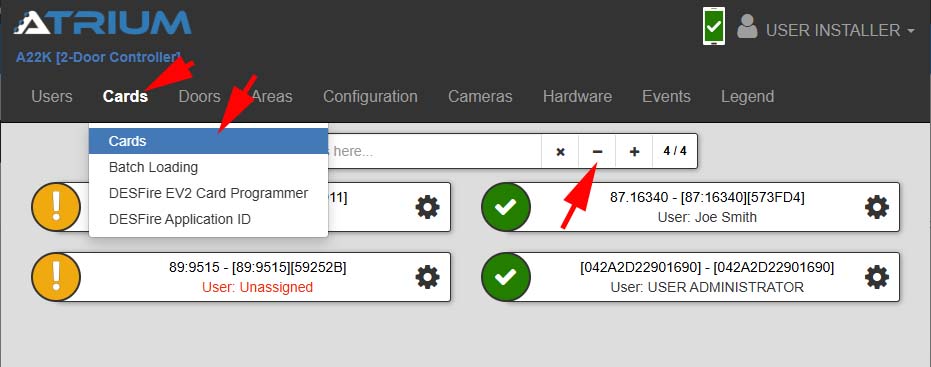
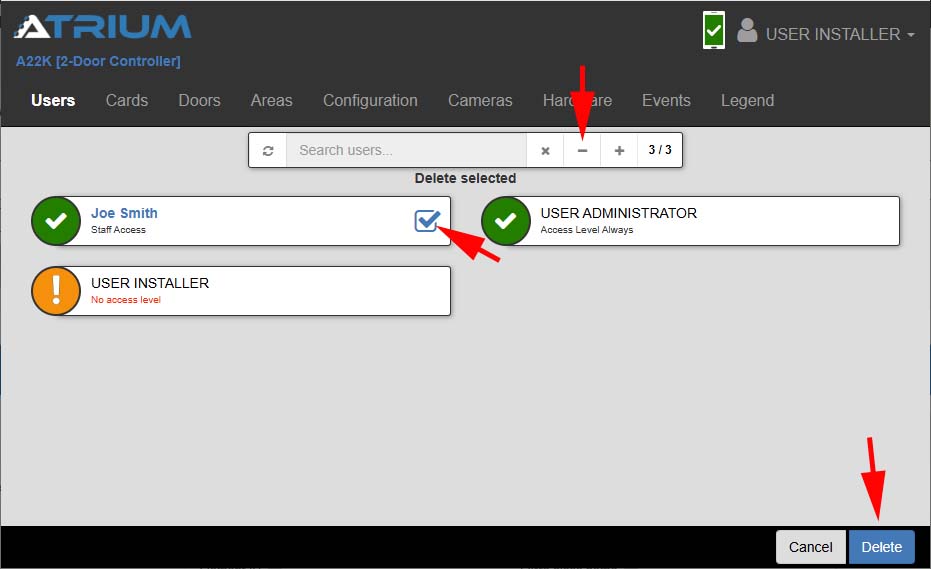
1. Select Users from the top menu then Select Users
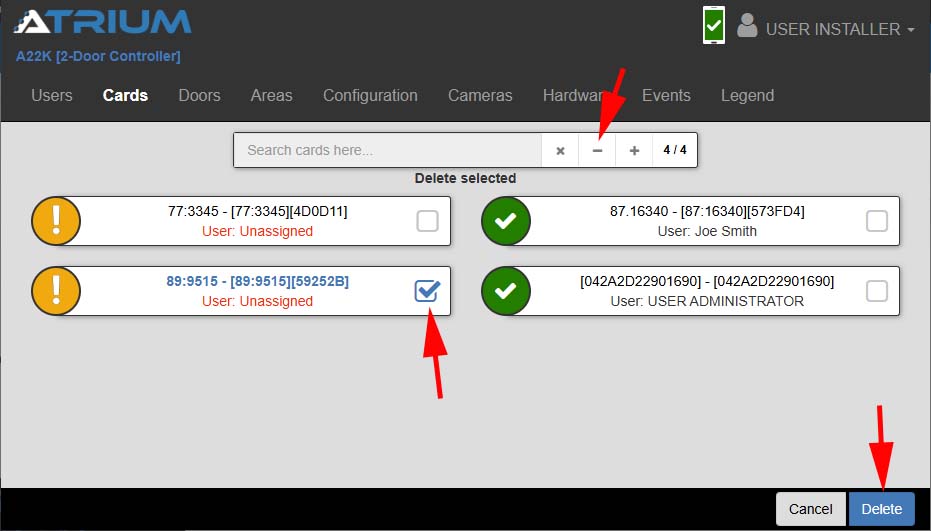
2. Press the (-) icon to enable selection
3. Select the User to delete
4. Select the Delete button in the lower right-hand corner
Note that is a card is assigned the card will remain in the system buy be no longer assigned and will no longer grant access. The card can be re-assigned to another user. If the card is lost, stolen or not returned, it is best to delete the card first before deleting the user.
Also note that once a user is deleted, the user will no longer have access to the web interface.